
iPhone & Android
Your publishing numbers, in your pocket
The free TrueRoyalties app shows the net profit, royalties, ad spend and units of every book you sell, on every platform you connected. Same account, same figures as your dashboard on the web.


What's in the app
Your dashboard, made for your phone
Net profit at a glance
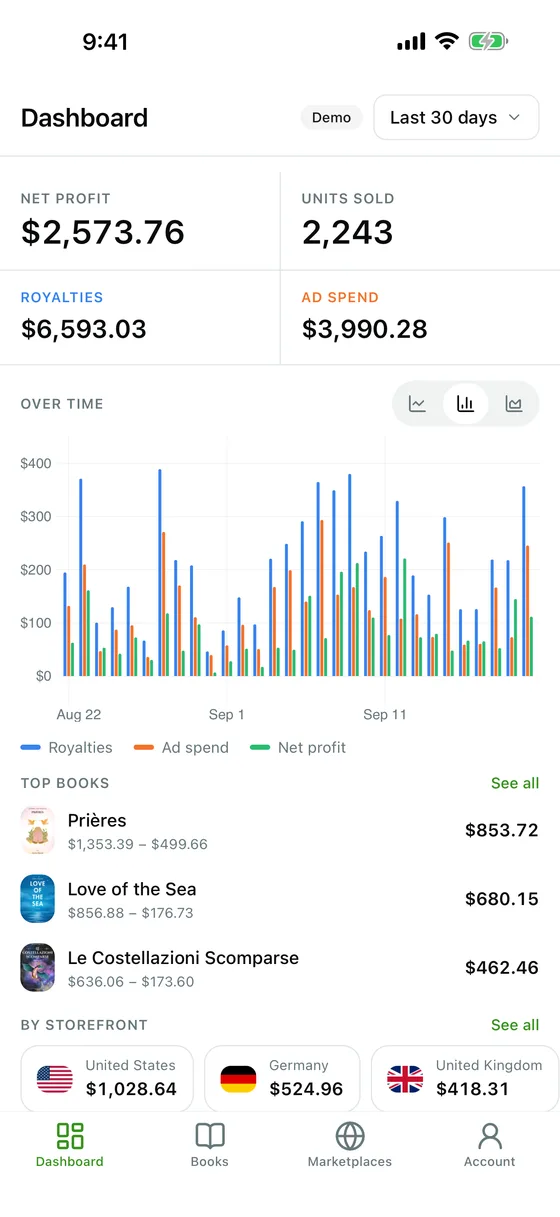
Net profit, royalties, ad spend and units sold for the period you choose, with a day-by-day chart and your best books.
Every book
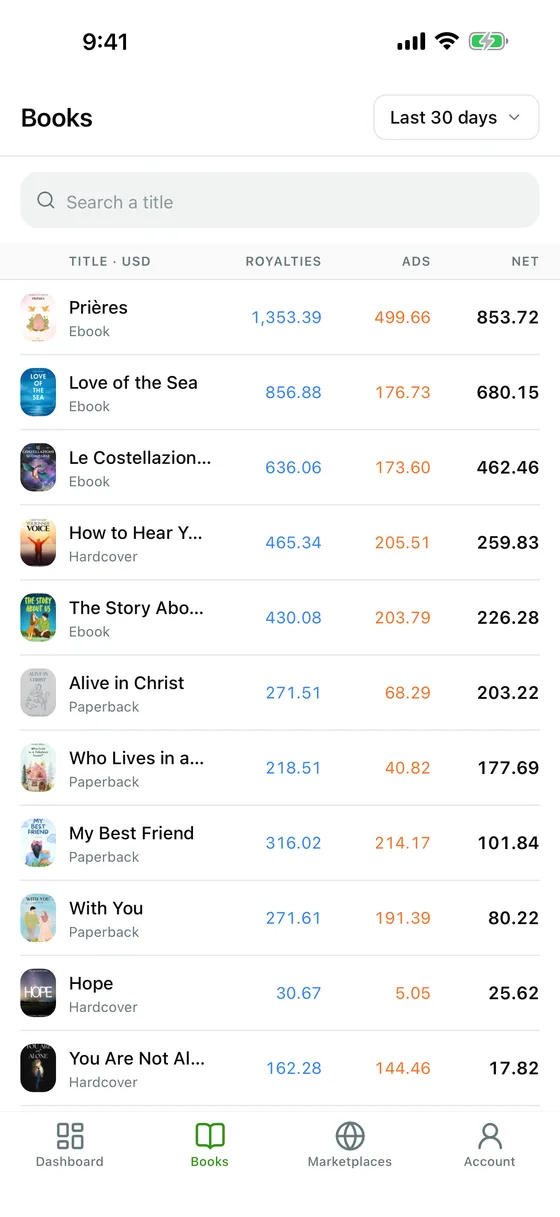
Search your catalogue and open any title to see what it earned in each storefront.
Every storefront
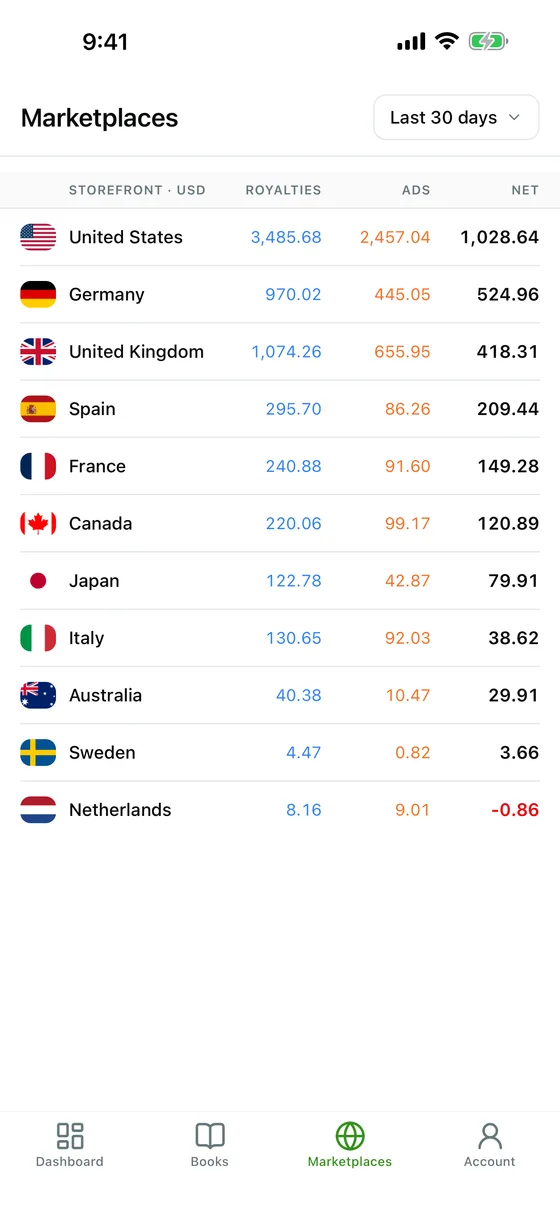
Royalties, ad spend and net profit for each marketplace, from the United States to Japan.
A home-screen widget
Your net profit for the last 30 days, today's profit and your top books on your home screen, and on the iPhone Lock Screen. It updates on its own.
Your currency, your period
Show amounts in the currency you prefer, pick a preset period or your own dates, and draw the chart as lines, bars or areas.
Light or dark, in your language
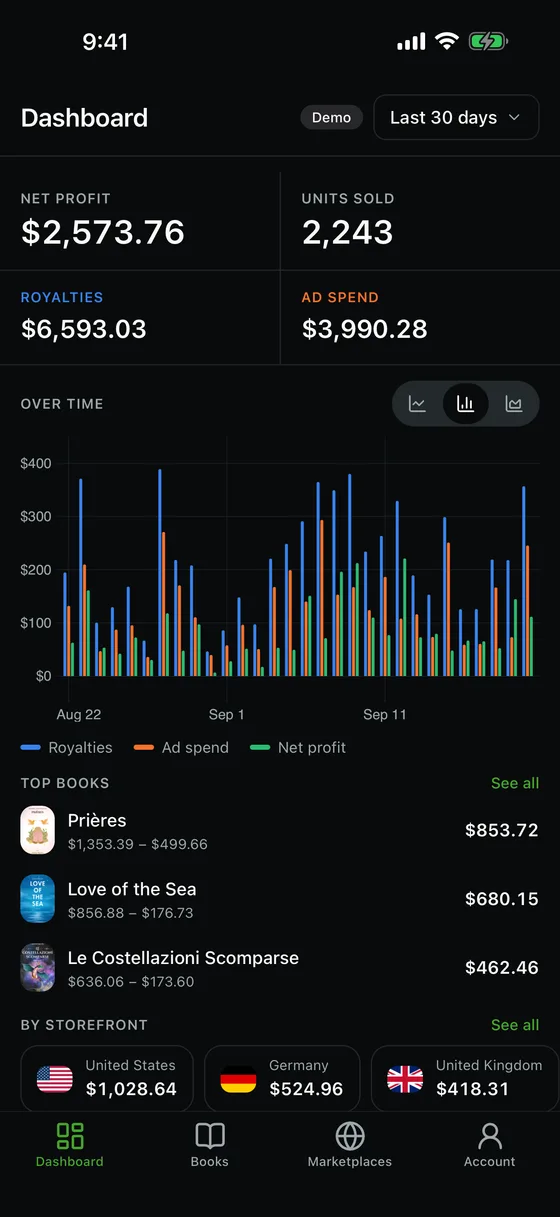
The app follows your phone's theme and language, in the same 7 languages as the website.
Getting started
Up and running in three steps
- 1
Create your account on the web
Sign up on trueroyalties.com and connect your platforms. The app has no sign-up of its own: it shows the account you already have.
- 2
Install the app
Download it for free from the App Store or Google Play.
- 3
Sign in with a code
Enter your email, then the 6-digit code we send you. Your figures appear at once and stay up to date on their own.
No account yet? Tap “Try the demo” on the app's sign-in screen to explore it with sample figures.
FAQ
Questions about the app
Is the TrueRoyalties app free?
Yes. The app is free to download and has nothing to buy inside it. It shows the data of your TrueRoyalties account, which starts with a 14-day free trial on the website.
Can I create an account in the app?
No. You create your account and connect your platforms on the website, then sign in to the app with the same email. Until then, the app's demo shows what it looks like with sample figures.
Which phones does it run on?
iPhone with iOS 16.4 or later, and Android phones. On an iPad, the iPhone app opens in compatibility mode.
Can the app change anything on my account or my platforms?
No. The app only reads: it never changes a price, a campaign or a setting. Connecting platforms, settings and billing stay on the website.
Are the numbers the same as on the website?
Yes. The app reads the same account with the same calculations, taxes, ad VAT and currency conversion included, so it shows the same figures as your web dashboard.
Does Amazon KDP have its own app?
Amazon does not publish a mobile app for KDP: its reports live on the KDP website. TrueRoyalties is an independent app, not made by Amazon, that shows your KDP royalties on your phone, next to every other platform you sell on and your ad spend.
No TrueRoyalties account yet?
Start on the website with a 14-day free trial, no card needed. Then sign in to the app with the same email.