
Marketplaces
Profit country by country — where your catalog earns, where your ads leak, all converted into one currency.
One row per Amazon store, so you can see that the US pays for the campaigns that Germany is quietly losing.
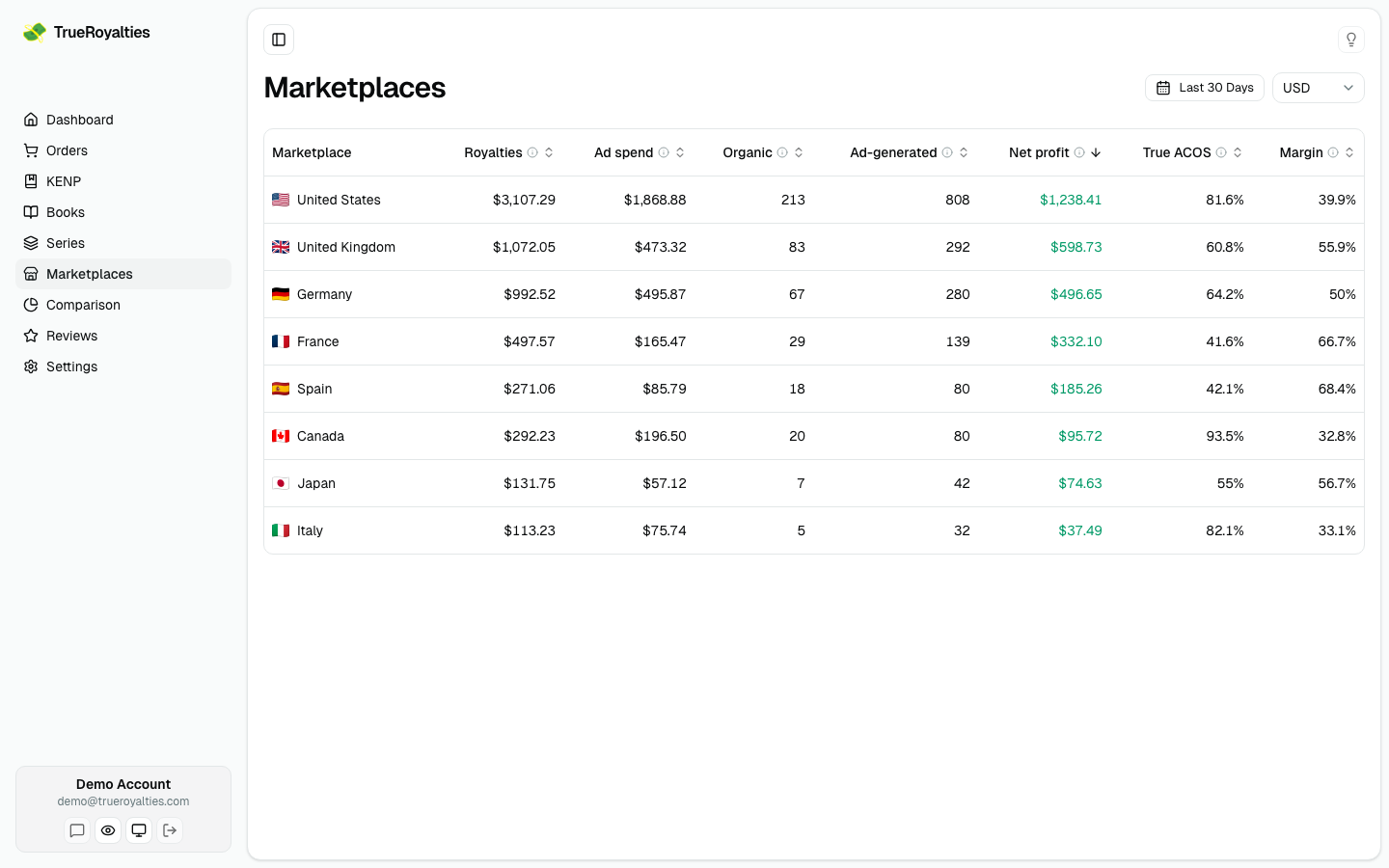
The columns
| Column | Meaning |
|---|---|
| Royalties | Gross royalties from that store |
| Ad spend | Spend on that marketplace, with its own VAT rate |
| Organic / Ad-generated | Units, split by origin |
| Net profit | Royalties kept minus spend, for that store |
| True ACOS | Ad spend ÷ ad-generated royalties, per store |
| Margin | Net profit ÷ royalties |
Everything in one currency
Each marketplace pays in its own currency. Every amount here is converted at the rate of its own transaction date, into the currency shown at the top of the page.
That is why the total can differ slightly from KDP's own multi-currency approximation — see Taxes and currencies.
VAT is per country
Ad VAT differs by marketplace, so set each rate in Settings → Taxes. A marketplace left at 0 % will look more profitable than it is.
Filter by distribution channel

Narrow the table to Amazon retail, Kindle Unlimited or Expanded Distribution. Royalties are recalculated for the channels you pick.
Amazon ads only drive sales on the Amazon storefront, so a selection without retail has no ad cost — the ad columns (Ad spend, Ad-generated, Net profit, True ACOS, Margin) are hidden rather than shown as zeros.
Keep this table on your dashboard
Click Add to Dashboard to pin the table, sorted the way you left it, to the bottom of your dashboard — see Build your own dashboard.
Typical uses
- Find stores where True ACOS is far above 100 % and pause those campaigns first.
- Spot a marketplace with strong organic sales and no ads — a cheap place to grow.
- Check whether a translated edition is actually earning in its home store.