
Sync your platforms
The Platforms page — every platform in one grid, what each status means, and how to ask for one we have not built yet.
One page for every platform
Platforms in the sidebar is where you connect everything you sell and advertise on. One card per platform: its logo, whether it is working, and the one button that matters right now.
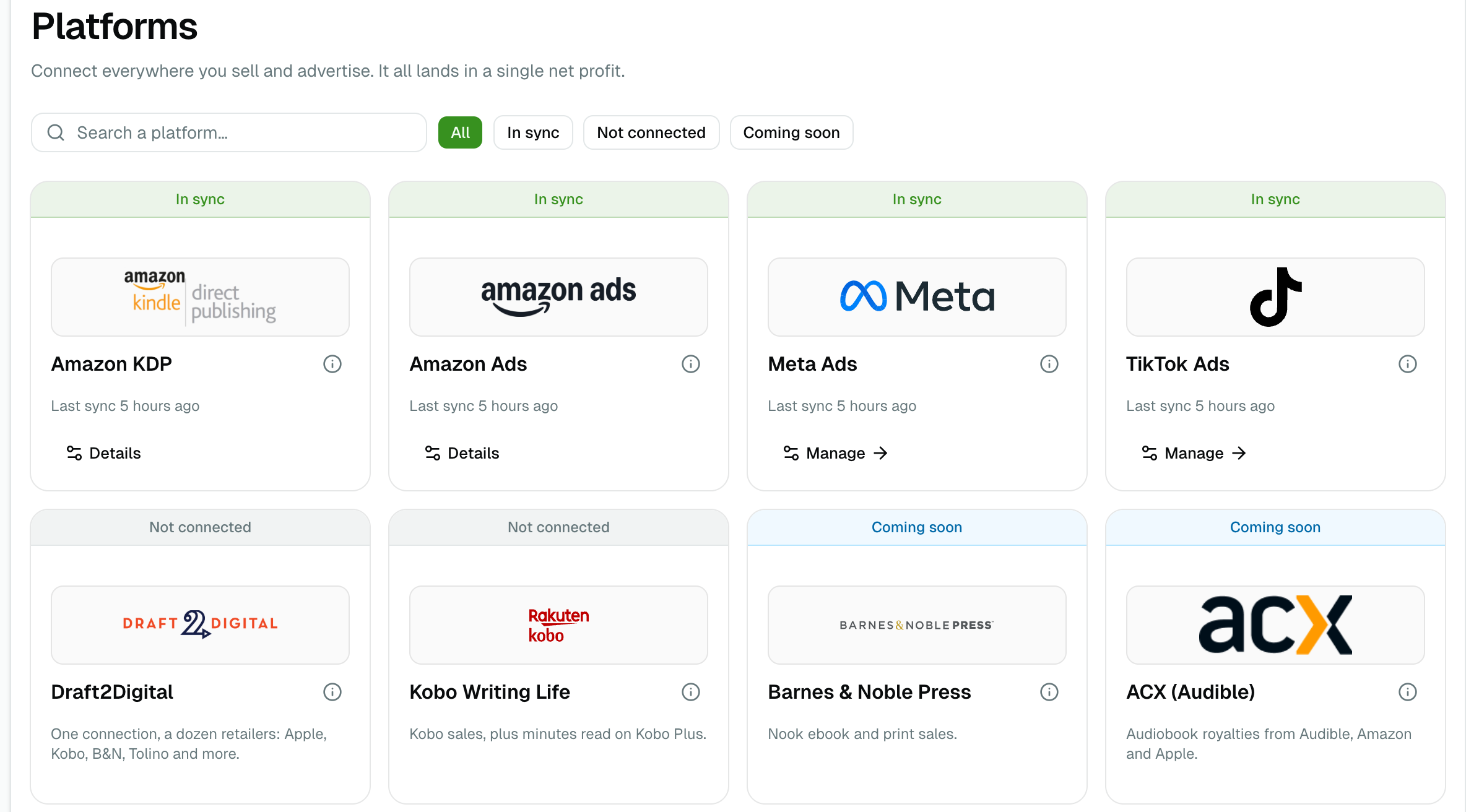
Search by name, or filter by status. Only the filters that would actually show something are offered, so an empty one never wastes a click.
What each status means
The band across the top of a card is the whole answer. There are seven.
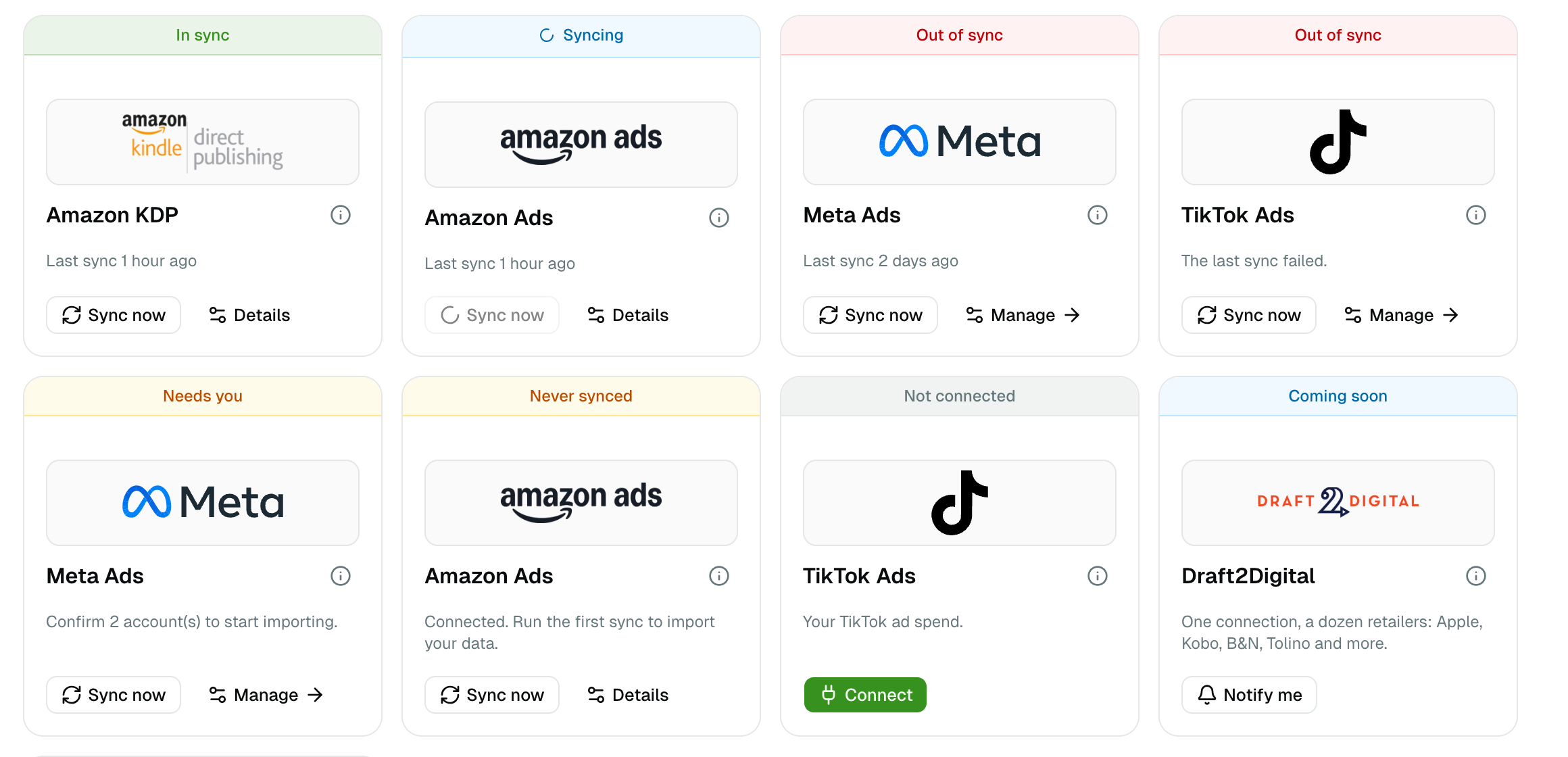
| Status | What it means | What to do |
|---|---|---|
| In sync | Connected, and the last sync worked | Nothing |
| Syncing | A sync is running right now | Wait — it finishes on its own |
| Never synced | Connected, but no sync has ever succeeded | Click Sync now |
| Needs you | Connected, but ad accounts are waiting to be confirmed. Nothing imports until you do | Open Manage and tick the accounts that are yours |
| Out of sync | The last sync failed, or nothing has arrived for over a day | Click Sync now; if it keeps failing, reconnect |
| Not connected | We support this platform, you have not connected it | Click Connect |
| Coming soon | We do not read this platform yet | Click Notify me |
Out of sync is not always a fault. Your ad platforms only refresh while the app is open, and KDP only while your browser is running. Coming back after a day away and seeing amber usually means exactly that — your figures are a day old, and the next sync fixes it.
What you can connect today
| Platform | What it brings in | How |
|---|---|---|
| Amazon KDP | Your royalties, book by book and store by store | The browser extension — KDP has no API |
| Draft2Digital | Royalties from every shop it distributes to — Apple Books, Kobo, Everand and the rest | The browser extension, then Connect on the card |
| Kobo Writing Life | Kobo sales, Kobo Plus reading and the free downloads no statement shows | The browser extension, then Connect on the card |
| Amazon Ads | Sponsored Products, Brands and Display spend | Authorize once with your Amazon account |
| Meta Ads | Facebook and Instagram ad spend | Connect with Meta, then confirm your ad accounts |
| TikTok Ads | TikTok ad spend | Connect with TikTok, then confirm your advertisers |
Meta and TikTok have their own pages in the app, where you decide which ad accounts count and which book each ad belongs to. The card sends you there rather than repeating those controls.
Sync now
Sync now asks for a refresh immediately instead of waiting for the automatic one. Two things are worth knowing:
- Amazon Ads accepts one manual sync per hour. Past that the button tells you when the next one will be accepted, rather than pretending.
- A sync is not instant. Amazon builds the report on its own schedule, so a refresh usually takes a few minutes to land. Nothing to press while you wait.
You rarely need it — everything refreshes on its own, as described in Sync and data freshness.
Platforms we have not built yet
Fourteen more platforms appear on the page marked Coming soon — Barnes & Noble Press, ACX, PublishDrive, Apple Books, IngramSpark, Google Play Books and the rest. They are not connectable, and the card says so instead of offering a button that would do nothing.
Click Notify me on the ones you use. We email you when that platform is ready, and the count decides what we build next: the most requested one wins. That is the whole point of the button — it is the only thing on the page we cannot work out for ourselves.